Subway Crime Scene

Introduction

This scene was made during my 10-week course on Modular Environment Creation at CGMA. I created all the meshes and materials in it, except some Megascan decals and stock images used as a base for posters.

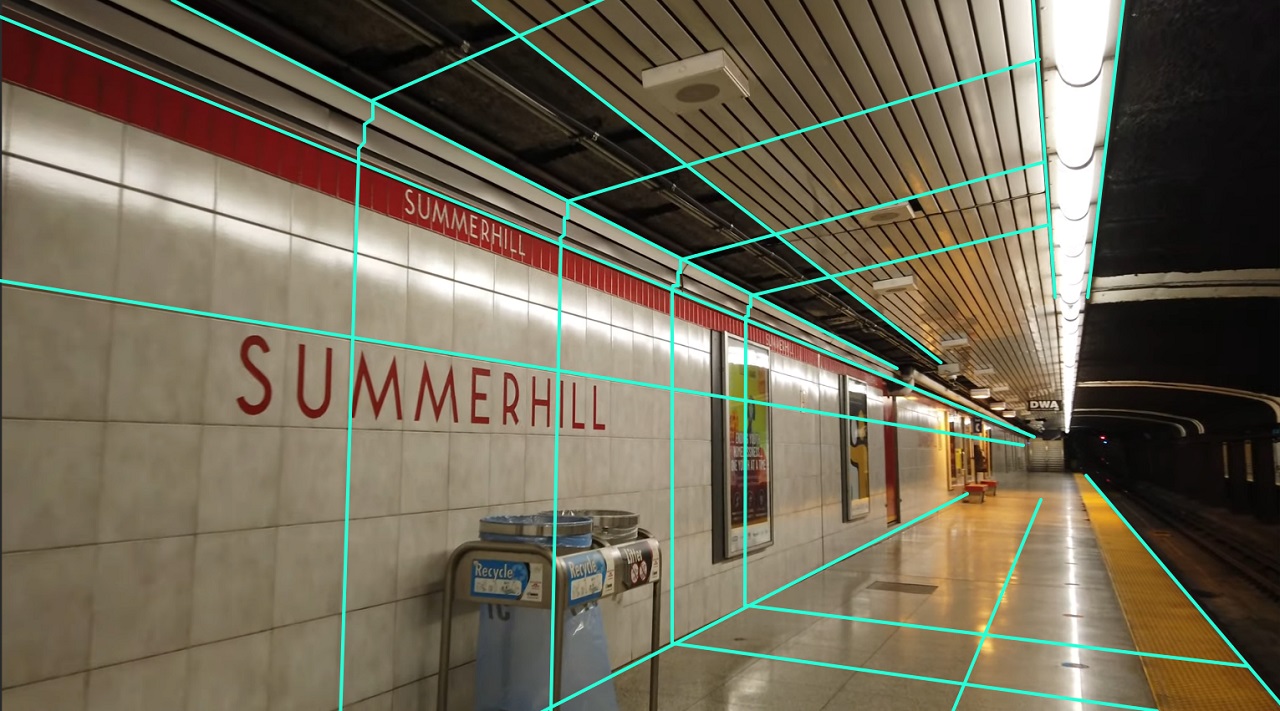
To make an environment modular, it is helpful to look to real-life references and identify what repeating parts a space is made up of. For this environment, I took after the Summerhill Station in Toronto, Canada. A subway station is an excellent example of a modular environment, as it is purposefully built in a way that can be easily replicated multiple times in a city. The most apparent repeating pieces are the wall and floor tiles, which I realized through tiling materials and decals.
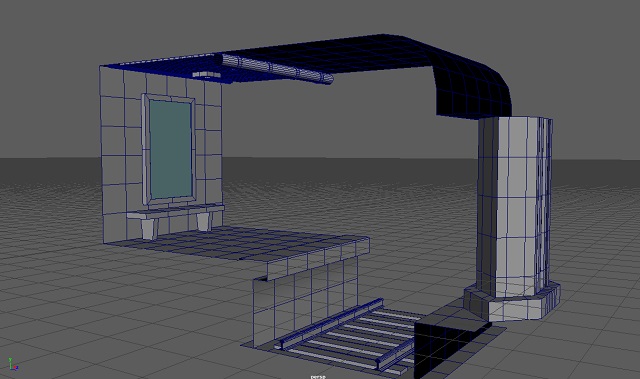
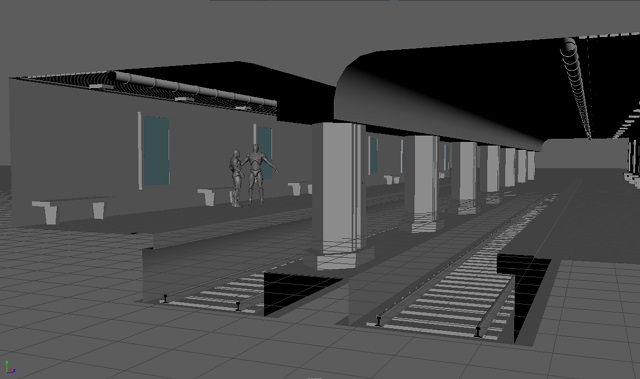
Blockout

The trick to making a set modular is to pay attention to its meshes' dimensions. If you decide on a lowest unit size for your modular pieces and make all your dimensions multiples of it, they will fit together like a LEGO set or a house in The Sims.

Of course, there are going to be more meshes that don't fit into these exact dimensions, but using these guidelines, especially for building pieces, will help you quickly build a level.

Once my blockout was done, I set up my master materials and made instances for the different surfaces I had in mind.
I exported basic textures from Substance Designer for the walls and floor, which I could then overwrite and automatically update.

Mesh Painting

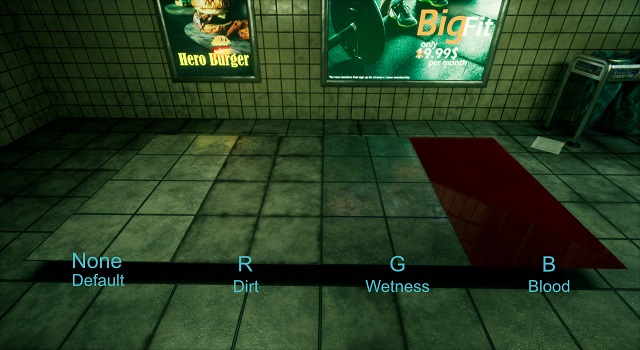
Later, I expanded my master material with a material function that allows me to paint all meshes using instances of that master material with one of three channels: R, G, and B.

My R channel is for dirt, G for wetness, and B for blood.
This way, I could add extra details to my scene by hand and break up the tiling materials.

For dirt and wetness, the paint input is filtered through a mask, which causes more dirt or water to accrue in the crevices between tiles.
The blood channel is unmasked because I used it sparingly to make whole puddles of blood.

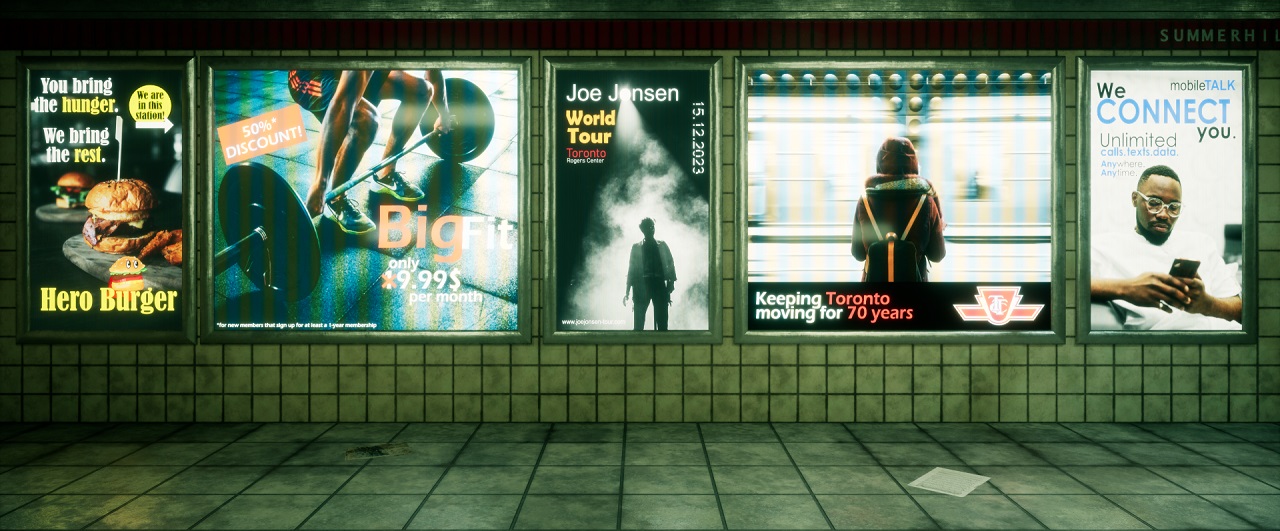
Advertisement Screens

Another fun part of this project was making the advertisements. Their glow and reflections add a lot to the look of the scene and make it feel more grounded in reality.

Once I had the idea for an advertisement, I used stock footage for the background, color-corrected it, and added some text, images, or other design elements on top, mimicking real advertisements.

I exported the 2D textures to Unreal and plugged them into an emissive screen material with a pixel filter.

Conclusion

I am really happy with how this project turned out. I learned a lot during the course about best practices, established workflows, and little tricks, and I wholeheartedly recommend it to anyone interested.

It also made me think more carefully about the story behind my environments - what time is it? Where is this scene? What was going on shortly before or will happen shortly after? This all greatly impacts the kinds of assets and materials you would find in an environment and is a very important factor to consider.