Medieval Valley
Introduction
For this project, I wanted to play into Unreal Engine's strengths and make a large-scale, realistic environment. Since I focused on worldbuilding and level layout, I used assets from Megascans and Kitbash.
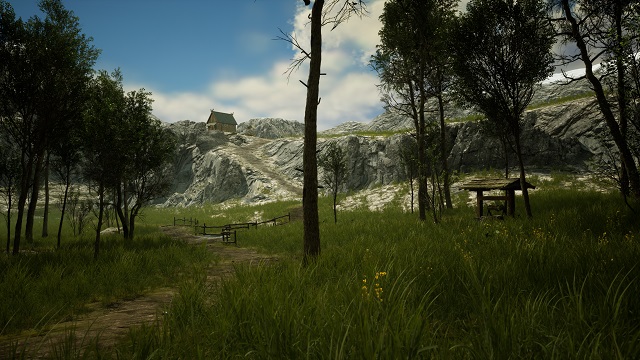
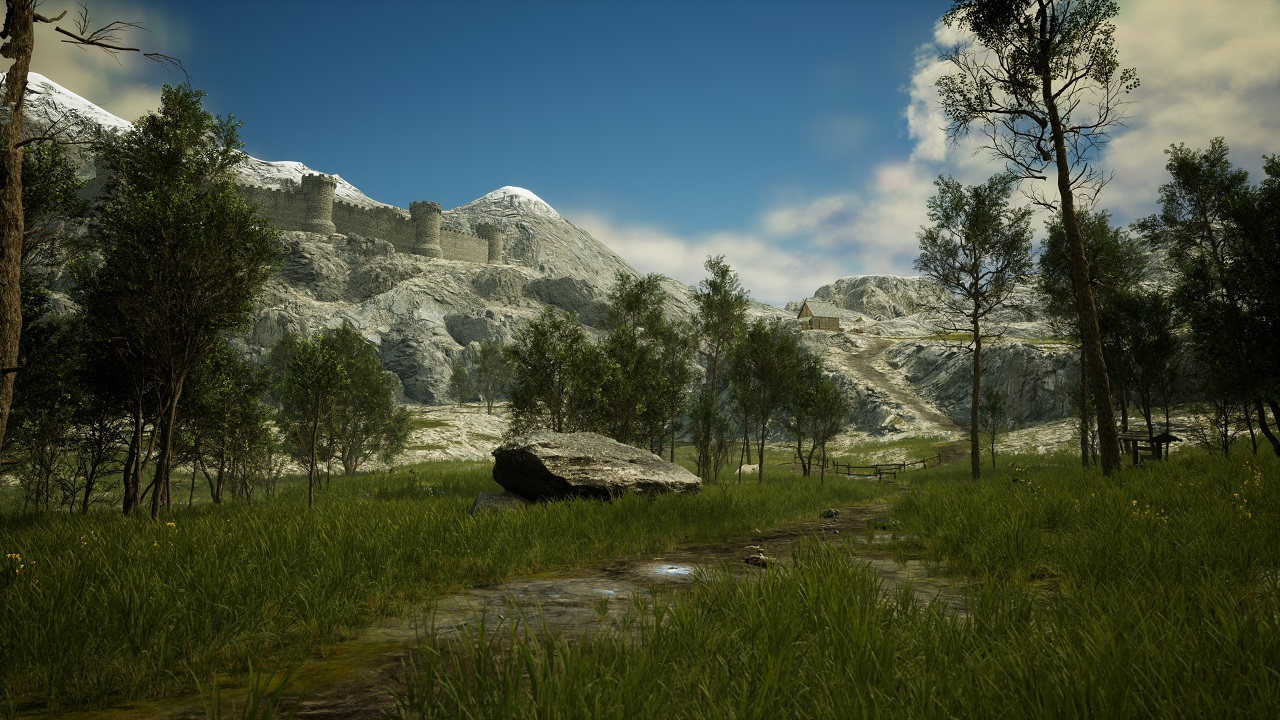
The level leads the player out of a forest into a valley surrounded by mountains. A path runs through it with multiple points of interest along the way.
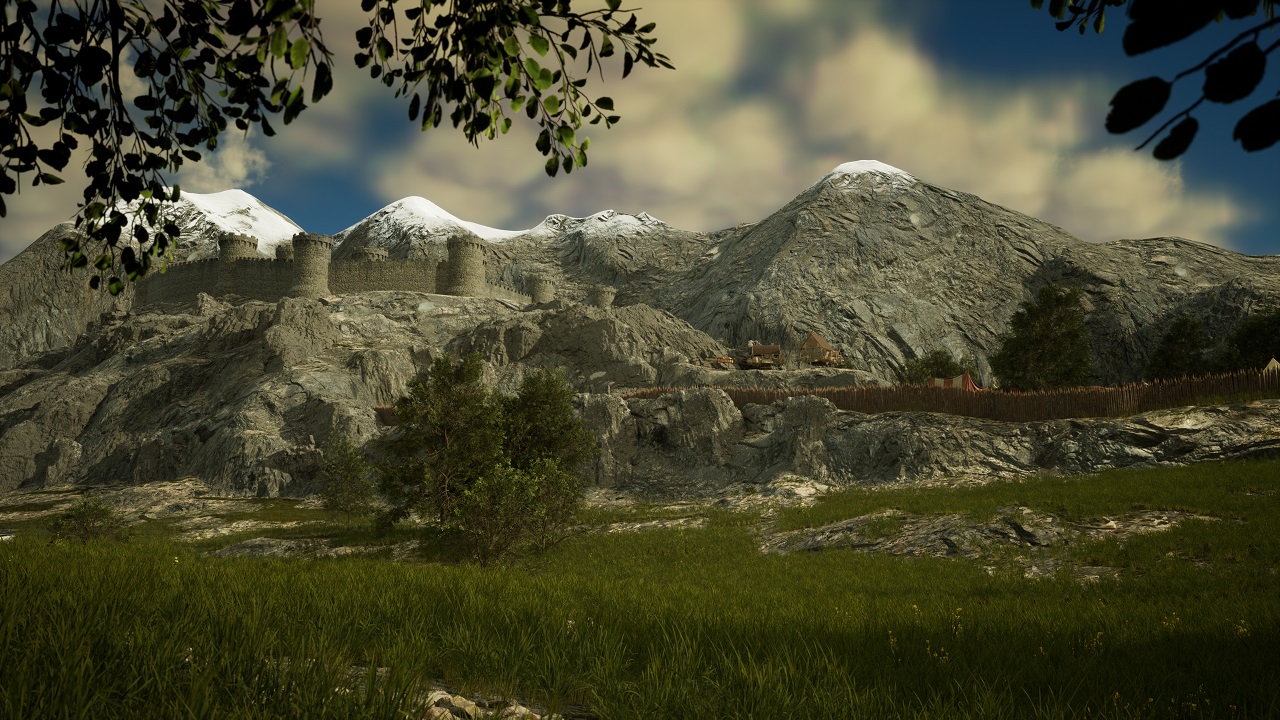
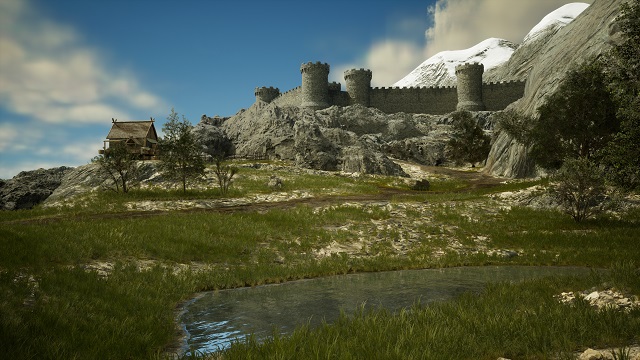
At the end of the path is a castle, overseeing the whole valley from an elevated position.
Landscape Generation
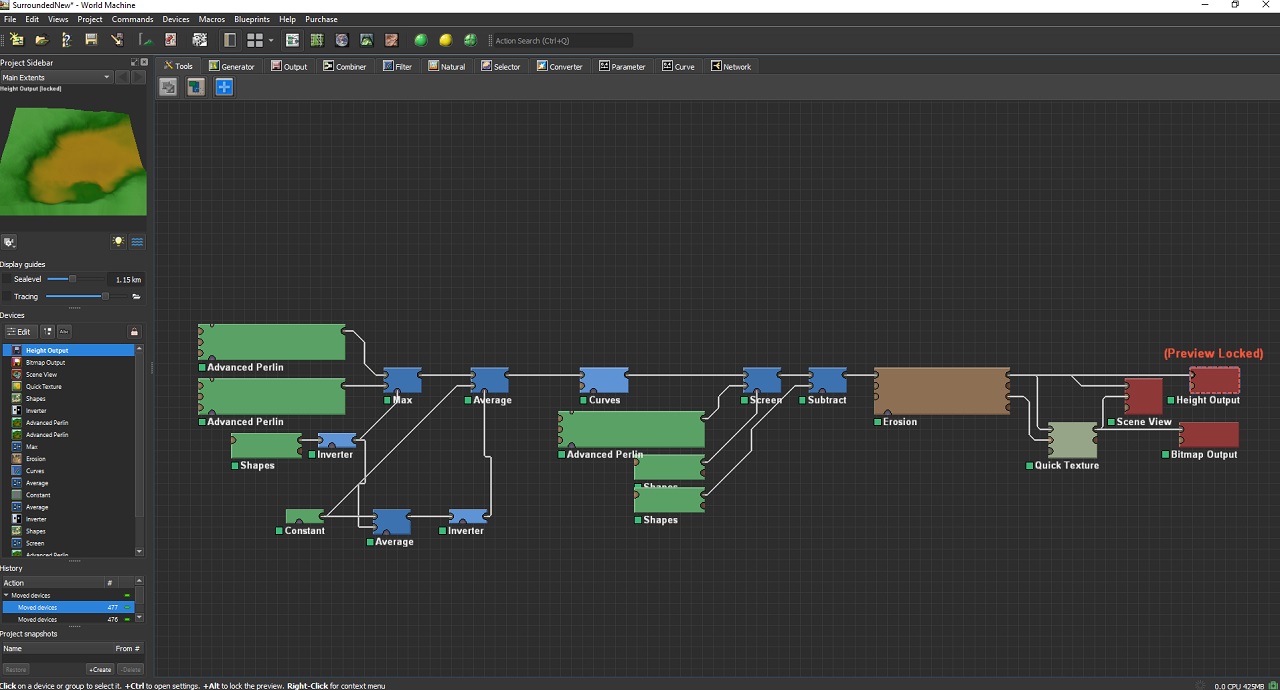
Instead of hand-crafting the whole terrain, I used World Machine to shape my environment at a large scale. I could then export a height map, which I used as a landscape in Unreal Engine. This process was repeated multiple times until I was happy with the result.
After getting the large shapes in my environment into the right place, I hand-sculpted some specific areas to make them look the way I wanted.
Landscape Detailing
I textured my landscape using an auto-landscape material based on parameters like the slope or height of the terrain. At a flat angle, there would be grass, while a cliff going up in a straight line would be made up of rock.
In addition to those automatically generated layers, I made edits in an additional paint layer to add the path and many other details.
With this workflow, I get the speed and efficiency of procedural generation combined with the creative freedom and flexibility of hand-crafting an environment.
Foliage, including grass, trees, bushes, and rocks, was similarly first procedurally generated and then further adjusted by hand.
Points of Interest
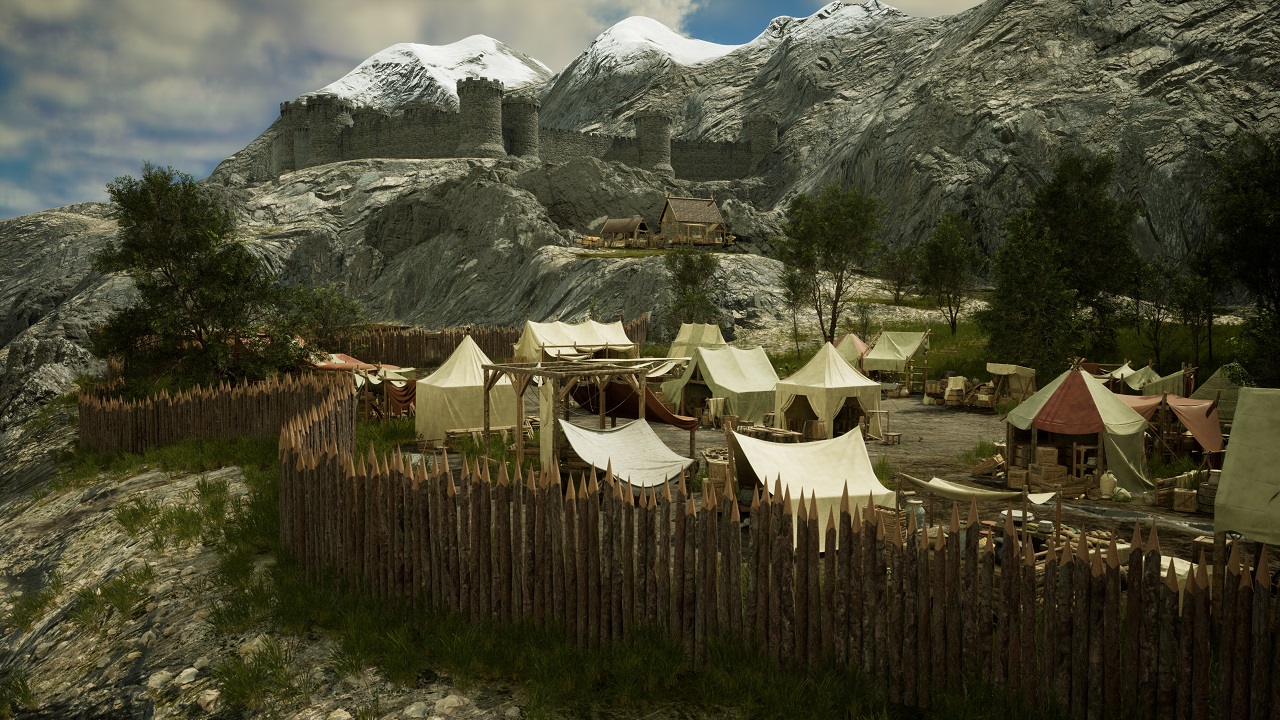
Once the level layout was working, I added various unique points of interest across the map. These keep the player exploring, make the environment feel alive, and add visual interest.
The spikes are automatically spawned along a spline each time a set distance is reached. To add variability, each instance receives a slight random offset in its transforms and base color.
Refining
After I placed all the main elements, I entered a cycle of adjusting the landscape, adding or moving objects, and seeing how it looks and feels. This is an important step of the process, as no first draft is perfect, and taking another look at something with fresh eyes often gives you new insights.
Finally, I added clouds and a subtle fog and used lighting and post-processing to give the scene an afternoon setting.
Conclusion
I enjoyed creating a large-scale environment without having to model and texture every little prop, as this helped me focus on the layout and level design. Even though there are many aspects I would approach differently now, this project taught me a lot about workflows that boost your efficiency when working on a large project.