S.A.M. - Scale-Adjusting Mech
Introduction
S.A.M. was created as part of the Game Off 2023 Game Jam, which had the theme "Scale", and is playable here.
For this theme, I had many ideas, like controlling a tiny character in a huge world similar to It Takes Two or a small and a big character interacting to solve puzzles.
I settled on having just one character, which can swap between three different sizes, each with unique abilities and physical properties.
Player Character
The first thing I worked on for this project was the player, as you can't have a platformer without a player character. This way, I also did not have to readjust my levels repeatedly.
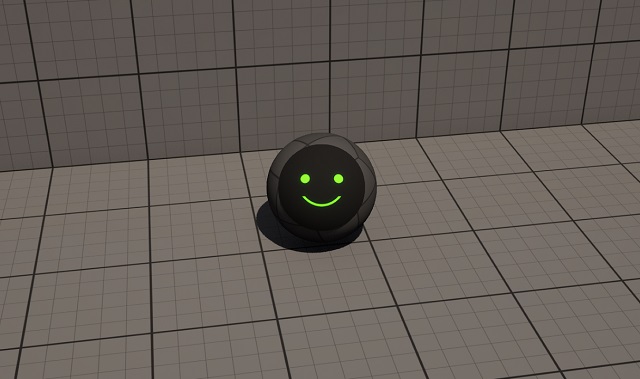
Since I focused on the game's mechanics, I decided to keep the player model simple: it is a rolling sphere with a floating face, which serves as a UI element and gives the main character a human touch.
Character Controller
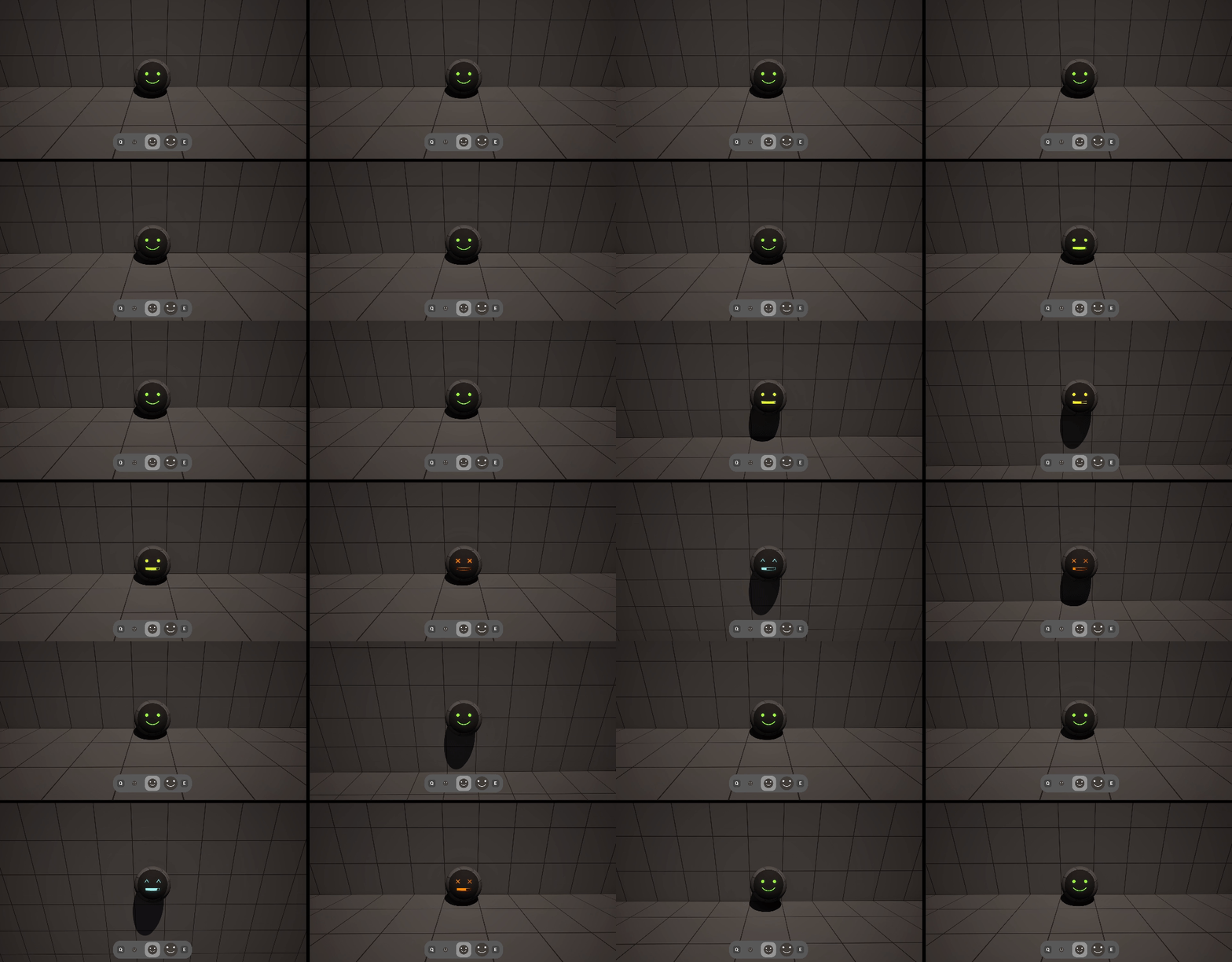
Holding down space turns the character's mouth into a charging progress bar, which indicates the channeling of your ability. Once you let go of space, the character performs their ability.
The character's face color adjusts to the charge amount:
- green to yellow: increasing ability strength
- cyan: maximum ability strength
- red: overcharged, reduced ability strength
Each time the player uses an ability, they are challenged by a timing minigame. The maximum strength window is generous, as I wanted to keep the game engaging and not too frustrating.
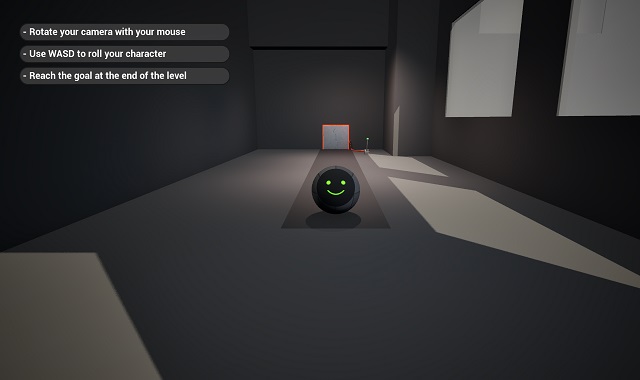
Your ability changes depending on your size. If you are small, you get a speed boost; if you are medium, you jump; and if you are big, you perform a dash.
Your size also affects how you move: being small gives you quick, rapid movement, while being big makes your movement slow and precise.
Obstacle and Level Building
With the player character out of the way, I began working on the obstacles. In a demo scene, I experimented with various ideas to see what felt fun.
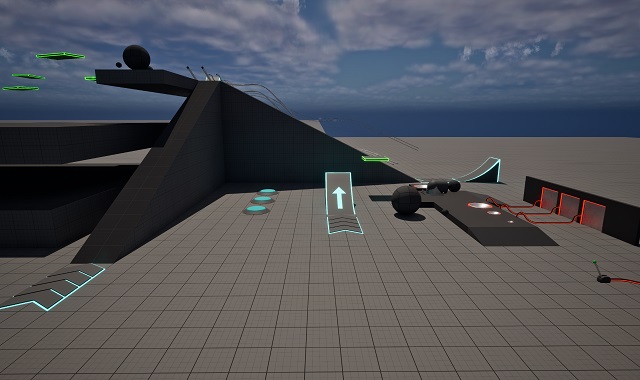
While some obstacles focused on movement and platforming, like jump pads, rails, speed boost fields, and ramps, other obstacles were there for level design, like levers, pressure plates, cables, pushable balls, and doors that open up when powered.
With a decent selection of obstacles, I began building levels with increasing difficulty. Each level either introduced a new mechanic or expanded upon one the player already knew.
Supporting Systems
After all the levels were completed, I added supporting systems like the main menu, a level browser, an options menu, and a save system.
I also implemented a hint system that served as a tutorial and ensured no one got stuck. A helping message could be displayed at the start of a level or upon entering a selected area.
Finally, I added some extra polish and submitted my project.
Feedback
The overall feedback I received for this game was great, but as with every project, there are lessons to be learned.
The point that came up most commonly was the simplistic art, which I was well aware of during development, but I decided to keep my focus on gameplay over looks.
In the future, I would either use premade assets or schedule more time to work on the look of my game.
Another issue was that the camera could get too close to the character, especially in tight passages.
This could have been solved by making the levels more open or lowering the character's opacity when the camera gets too close.
Conclusion
Despite these minor flaws, I am really pleased with how this project went.
Development was a pretty linear process. I had a schedule from the start and managed to mostly stick to it, creating the game as I envisioned it.
This experience made me more confident in tackling even larger and more ambitious projects in the future while going about development in a similarly structured way.